
WallFlow
Live & HD wallpapers · AndroidA little joy. Every unlock.
Discover HD wallpapers and turn photos into live backgrounds. Use smart picks, automatic changes and editing tools to make your everyday screen feel your own.
Listed on Google Play as: AI Wallpapers HD - 4K Themes
Check the store for pricing, in-app purchases, regional availability and device requirements. Privacy policy
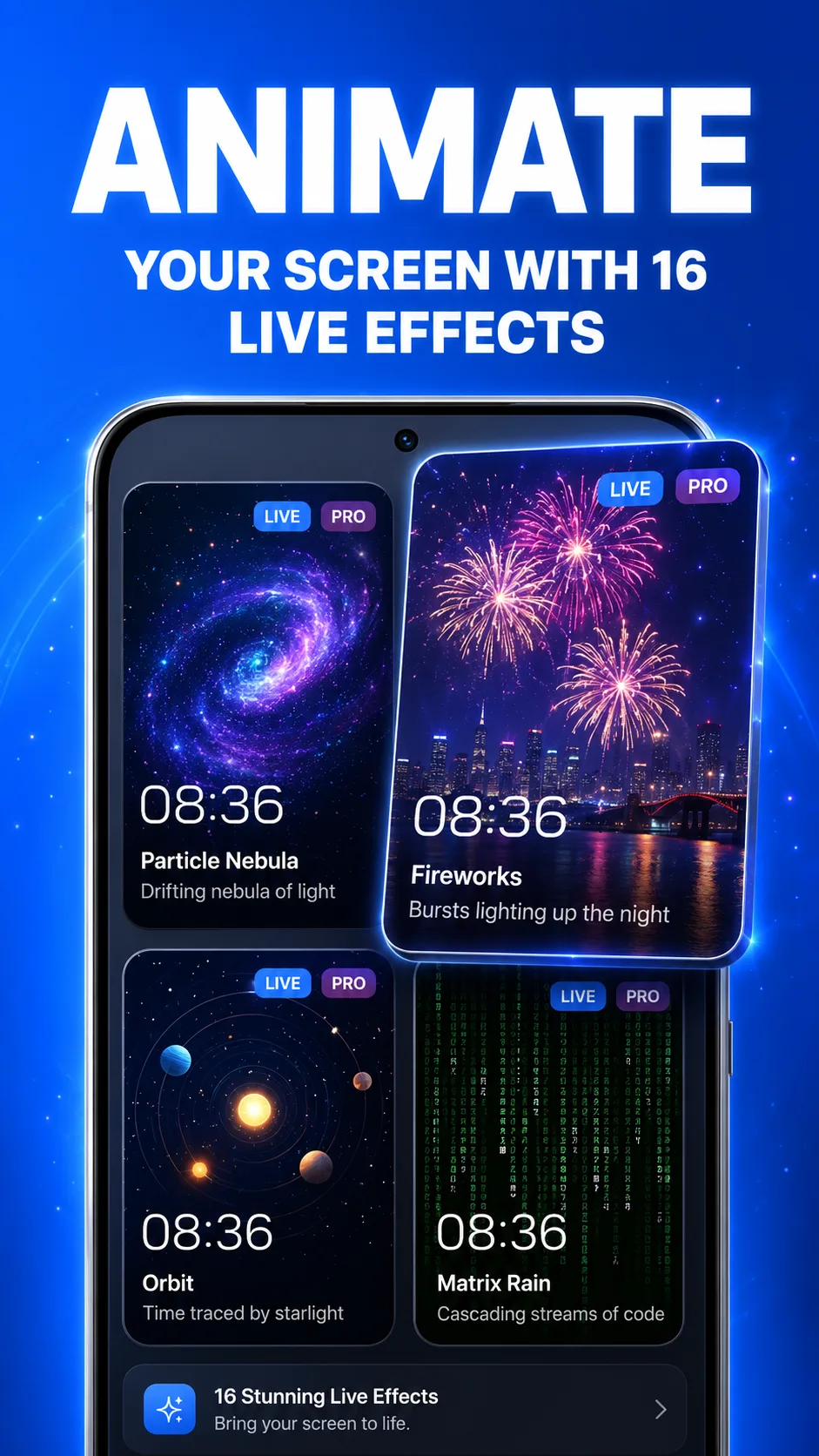
Bring your screen to life.
Choose a moving backdrop, from particle nebula and fireworks to digital rain and orbit effects. Preview a look and make it your own.
- A collection of live wallpaper effects
- Preview before applying
- Customize the look to your taste
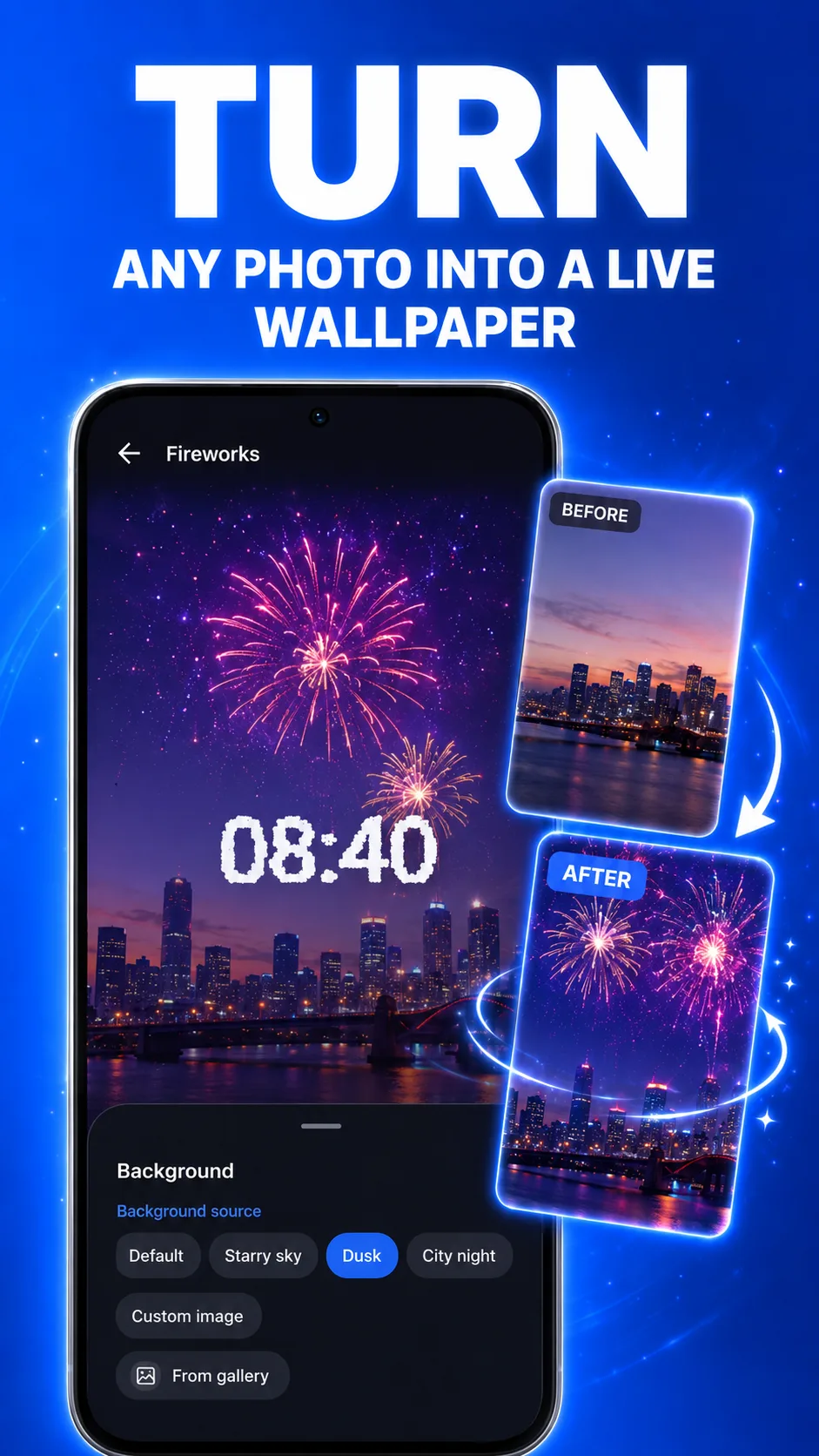
Give a favorite photo a little motion.
Choose a photo from your gallery as the backdrop for a live effect. Give a travel memory, a city at night or a personal favorite a new place on your screen.
- Choose a background from your gallery
- Combine photos with live effects
- Start with a preset background too
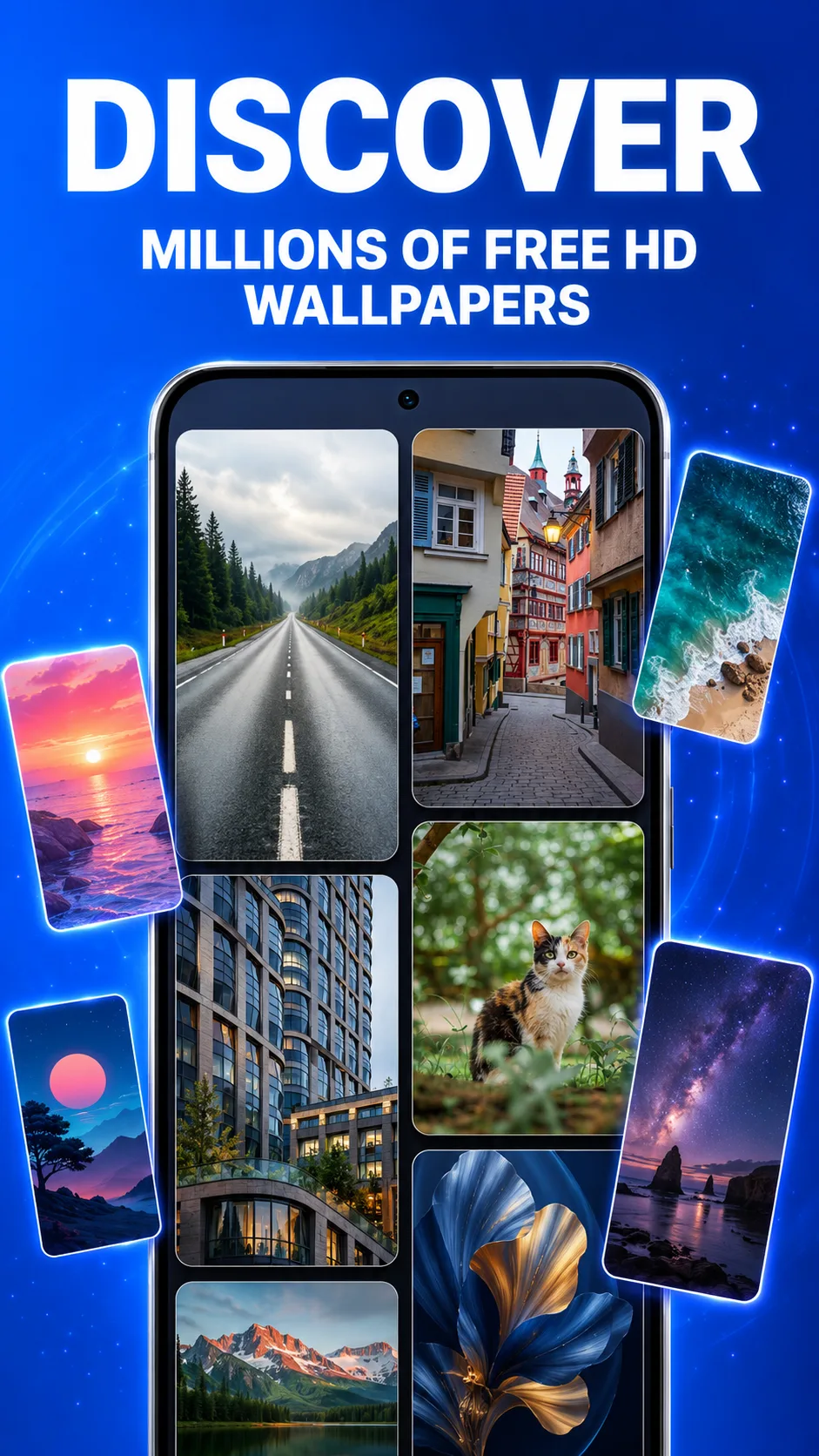
Find a wallpaper for your mood.
Explore landscapes, architecture, animals and abstract images in the HD wallpaper library. Save favorites and keep a little inspiration ready for your next change.
- A range of themes and visual styles
- Browse and preview HD images
- Save wallpapers you love
Find more of the style you like.
Tell the recommendation feed what you like and what you would rather skip. Refresh your picks to keep discovering wallpapers that suit your style.
- Like or dislike recommendations
- Explore wallpapers picked for you
- Refresh the feed for new ideas

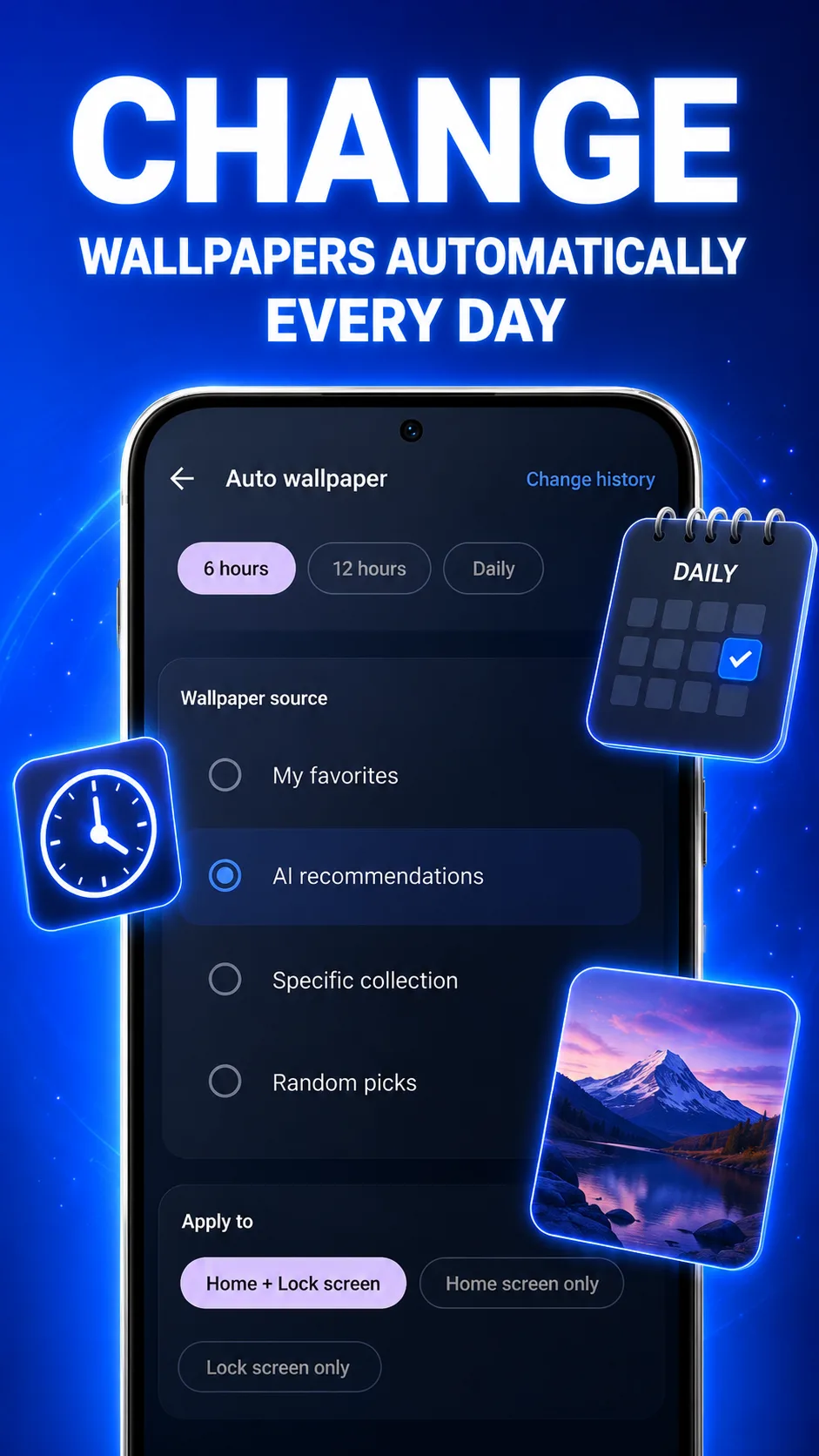
A fresh screen, on your schedule.
Set a wallpaper schedule and choose favorites, recommendations or a collection as the source. Keep your home and lock screens fresh with fewer manual changes.
- Choose an automatic change interval
- Pick the wallpaper source
- Configure home and lock screens
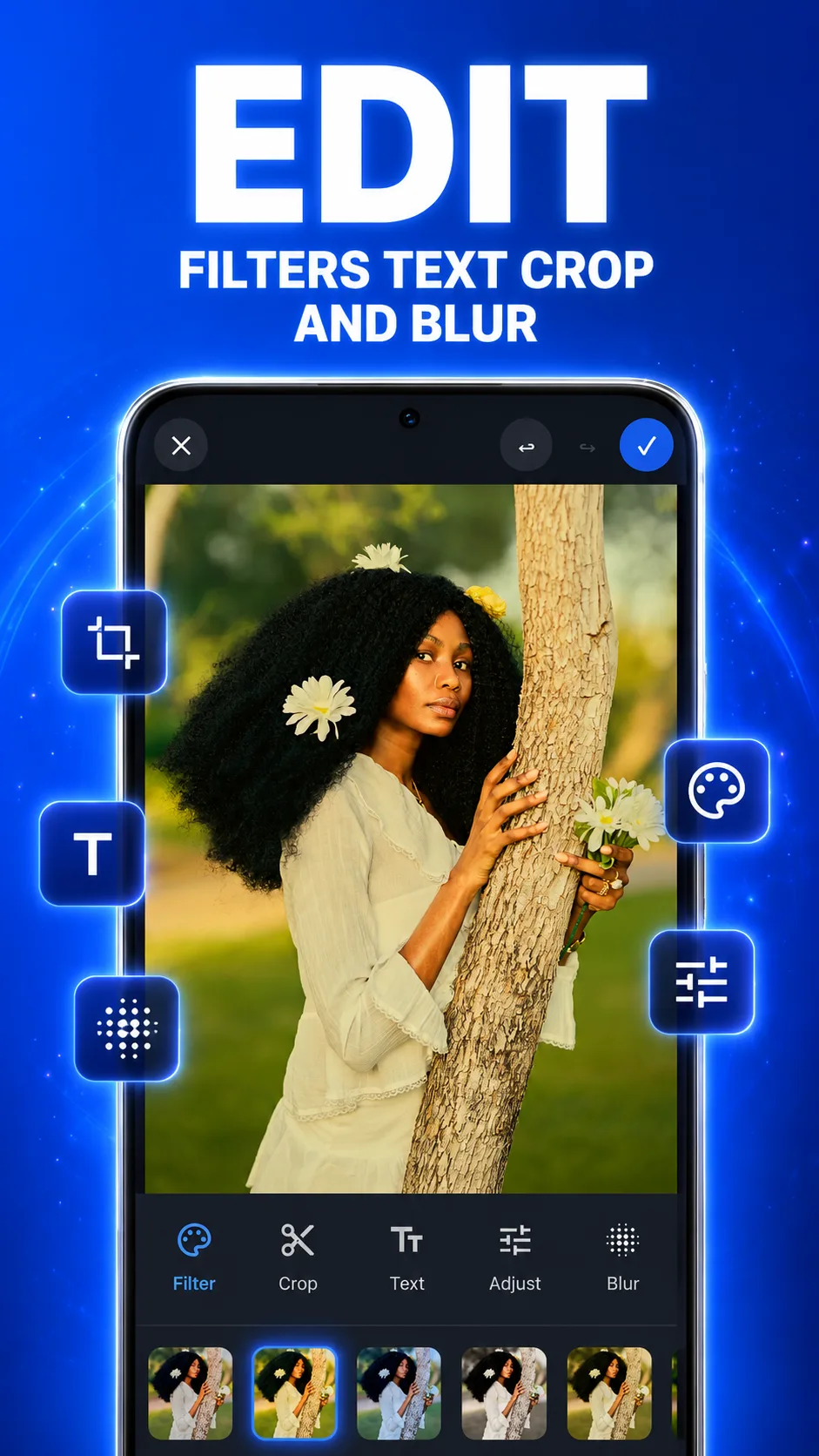
Make the final details yours.
Before applying a wallpaper, adjust the composition and finish. Add filters, text or blur to make an image feel right for the screen you see every day.
- Crop and adjust the composition
- Filters, adjustments and blur
- Add text for a personal finish
Make a little more room for life.
See the full feature list, actual screenshots and latest version on Google Play.
Need a hand? Contact app support