
RateKey
Currency converter · AndroidDifferent currencies. Less friction.
Type an amount right on your home-screen widget. A simpler way to compare everyday prices when you travel.
Listed on Google Play as: RateKey: Currency Converter
Check the store for pricing, in-app purchases, regional availability and device requirements. Privacy policy
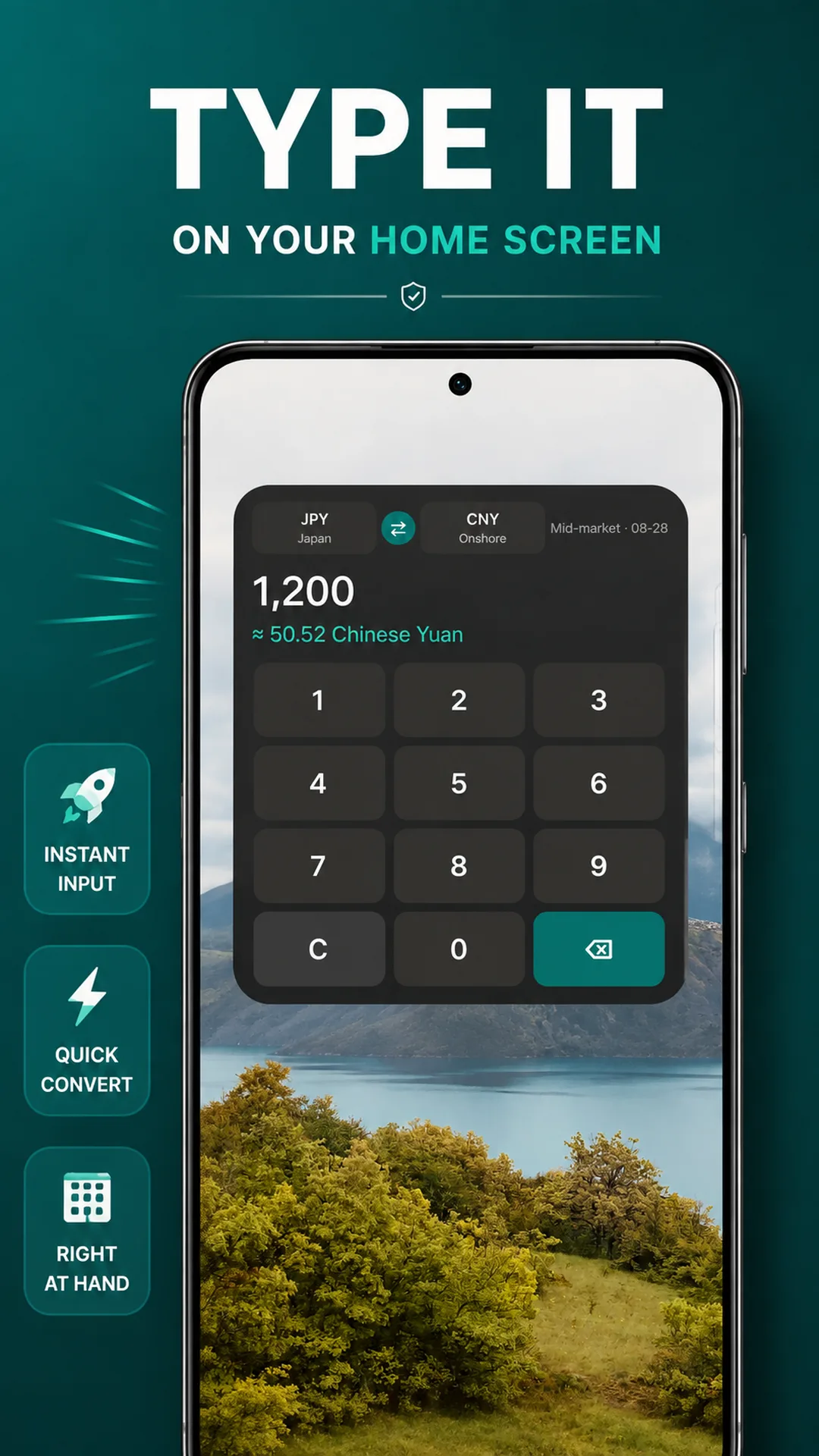
Type an amount, right on your home screen.
Add the currency widget with its number pad to your home screen. Enter an amount to see a reference conversion when checking prices or comparing purchases on a trip.
- Enter amounts directly in the widget
- See the conversion as you type
- Clear or backspace to edit an amount
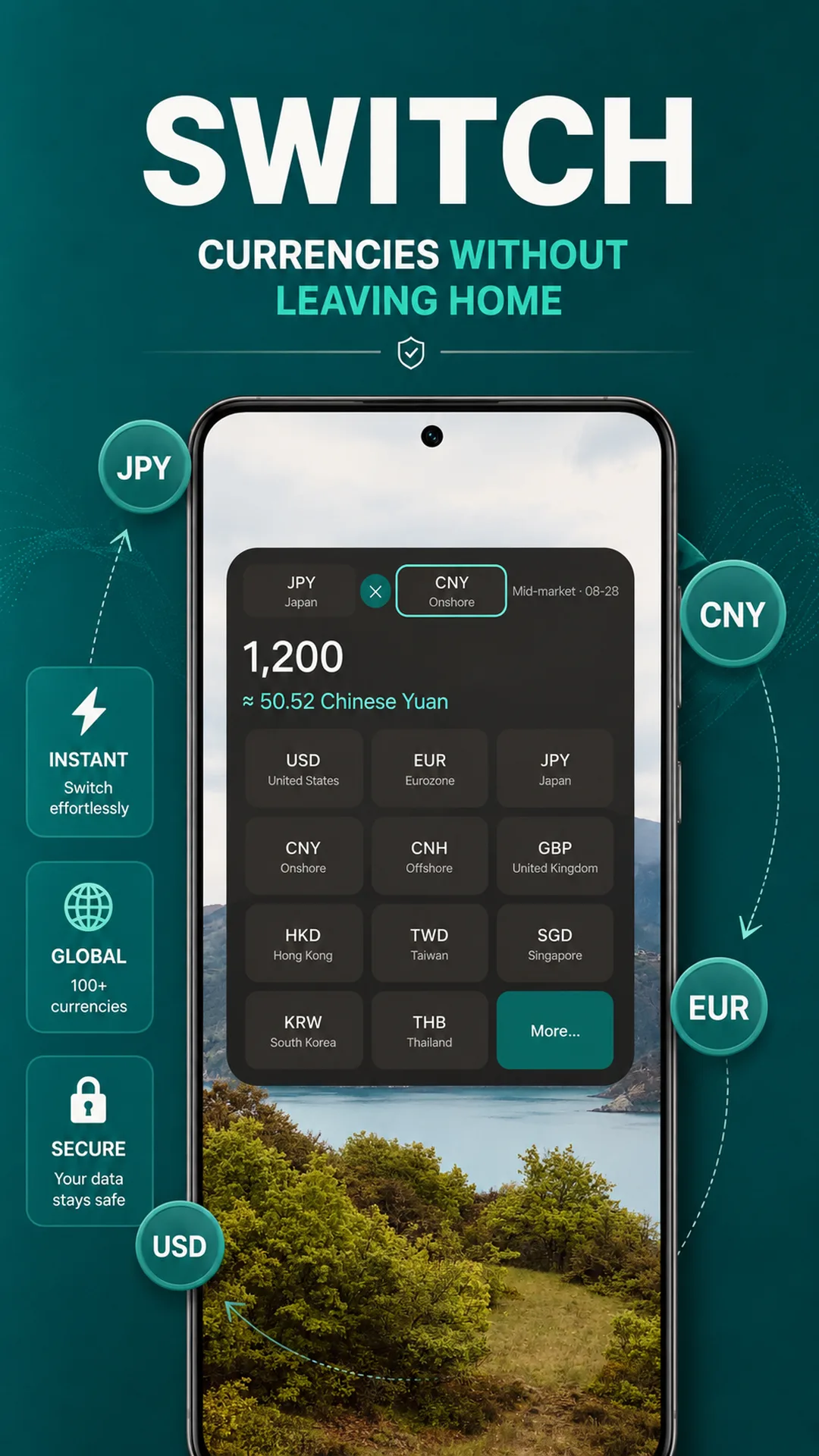
Switch currencies and keep comparing.
Open the currency grid in the home-screen widget and choose a commonly used currency. Explore more options when you need another currency, then continue your conversion.
- Pick common currencies from a grid
- Quickly change your currency pair
- Find other currencies in more options
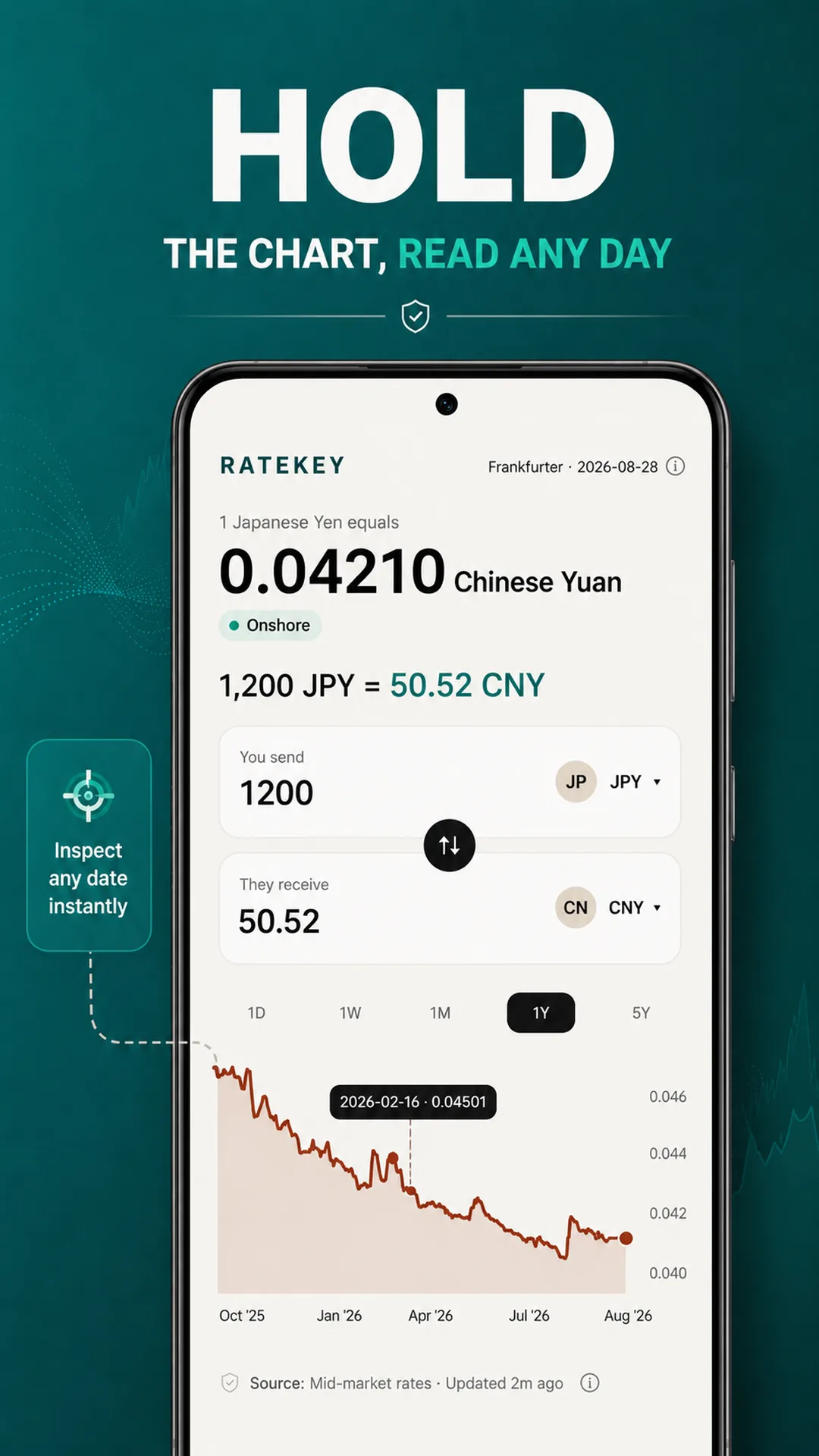
See the trend. Check a particular day.
Switch time ranges to explore how a rate has changed. Press and hold the chart to read the date and rate at a point, giving the numbers more context.
- Switch between time ranges
- Hold to inspect a date and historical rate
- Follow changes along the chart
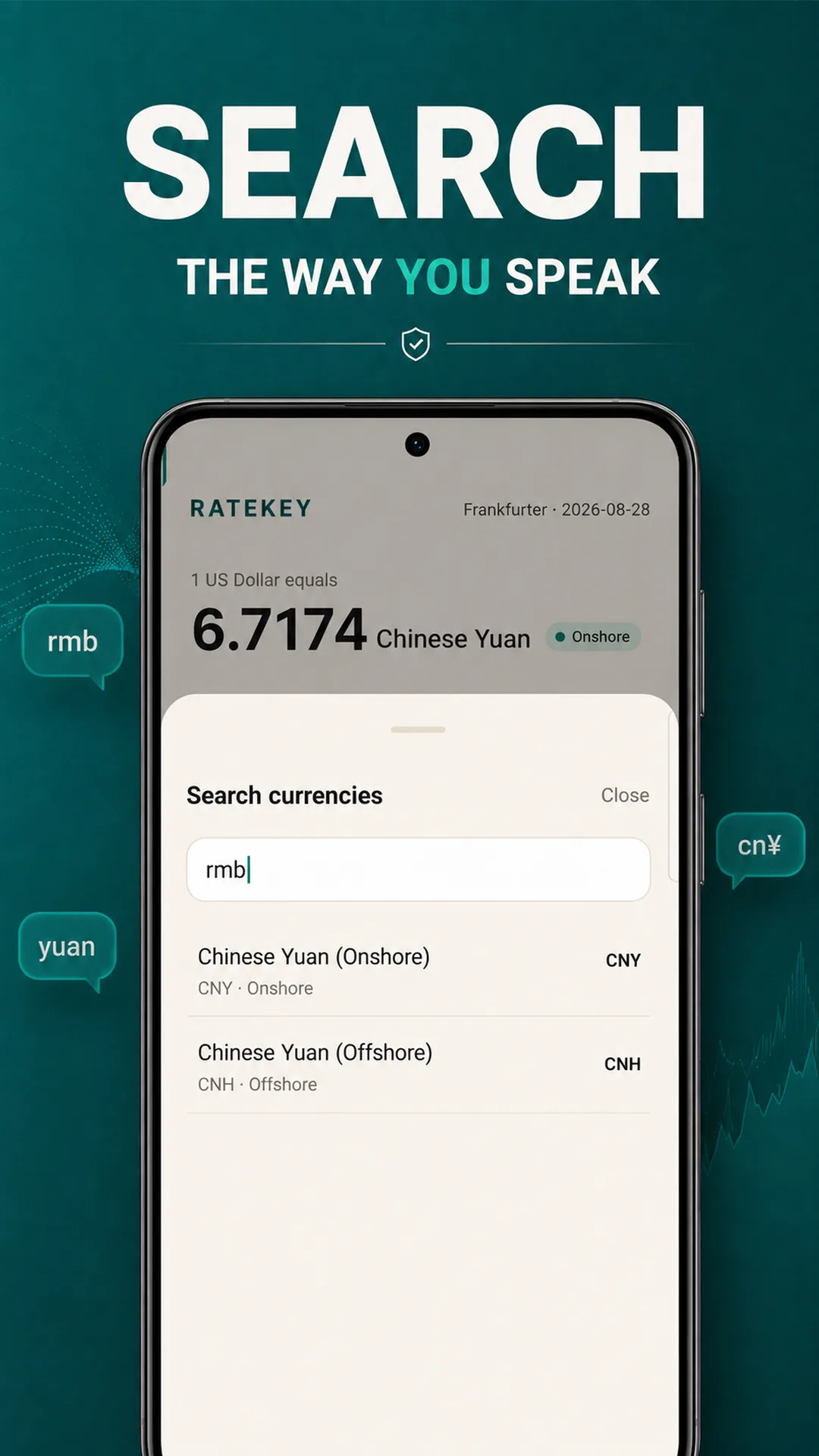
Find a currency by a familiar name.
You do not need to memorize every currency code. Search with familiar names or aliases such as rmb or yuan, and use the labels in the results to distinguish onshore and offshore yuan.
- Search by name, code or alias
- Read currency codes in the results
- Distinguish CNY from CNH
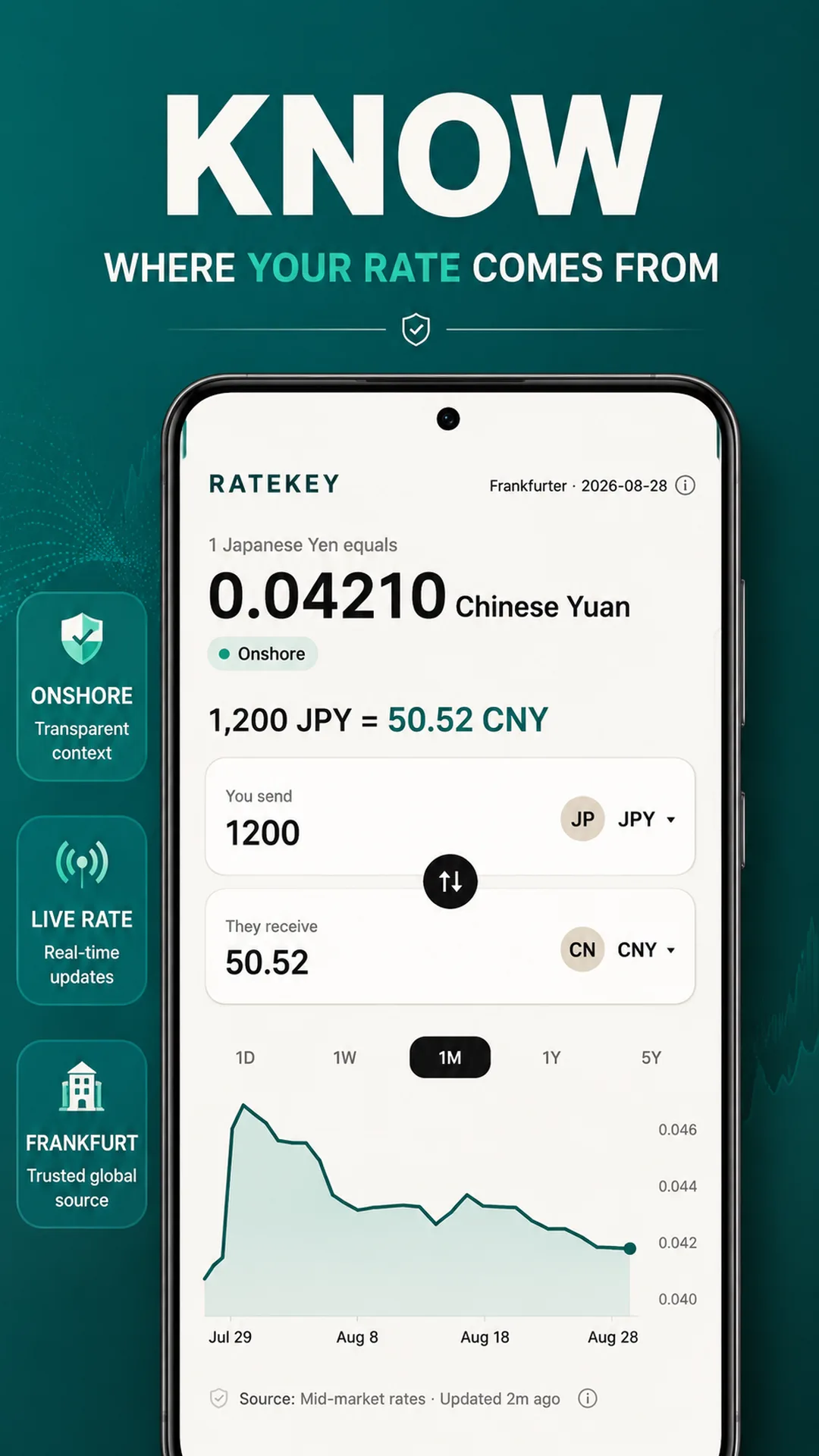
Know the rate and where it comes from.
Check the source, data date and update time behind a conversion. Cached rates can also provide an offline reference, with their age kept in view.
- See the source and update time
- Refer to cached rates offline
- Reference rates are not bank transaction quotes
Make a little more room for life.
See the full feature list, actual screenshots and latest version on Google Play.
Need a hand? Contact app support