
PhotoClean
Photo cleaner · AndroidLess clutter. More memories.
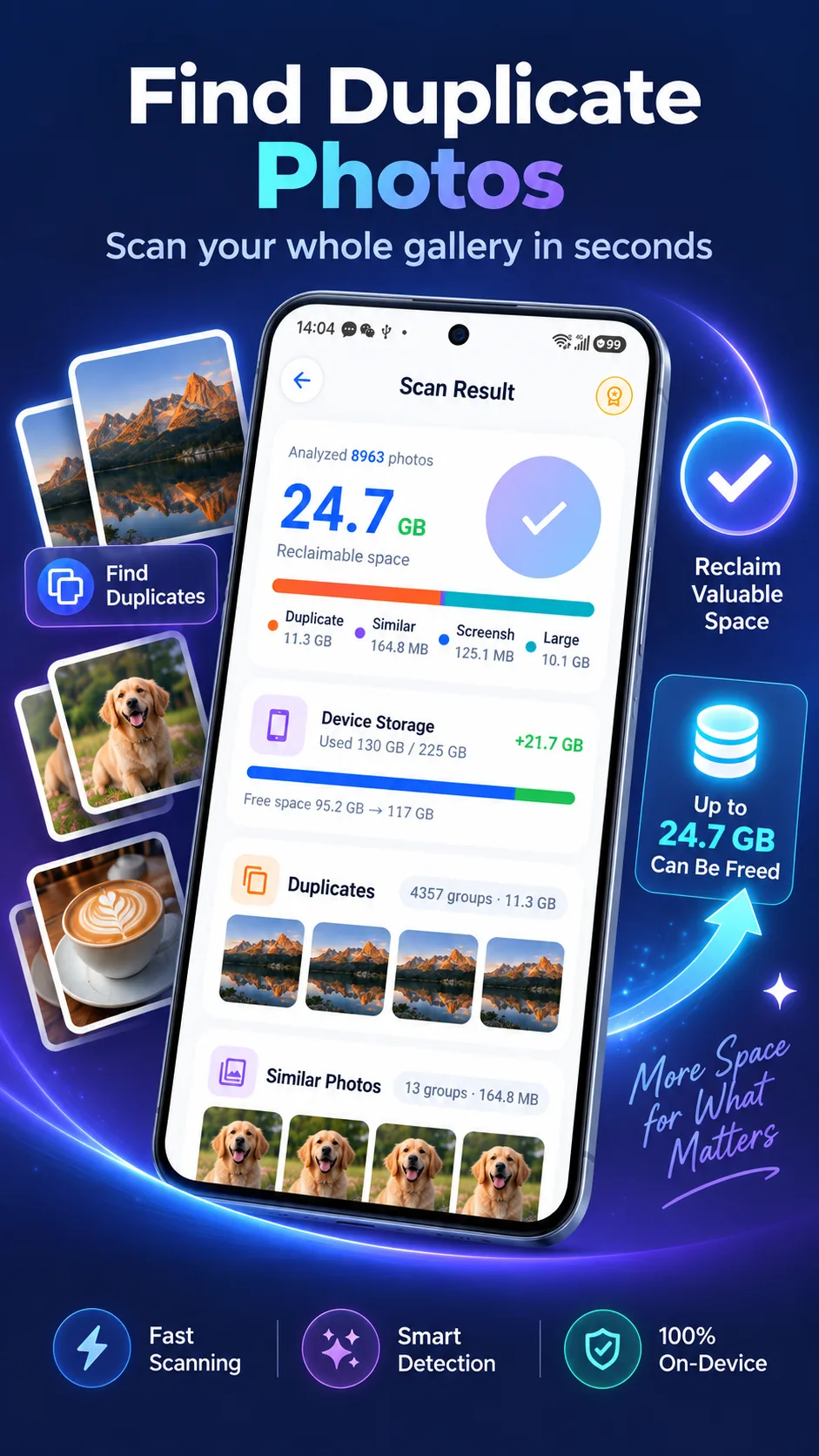
Scan locally without uploading photos. Clean up duplicates and similar shots, swipe through your gallery, and use compression, format conversion and Secret Space to manage storage and privacy.
Listed on Google Play as: Duplicate Photo Cleaner AI
Check the store for pricing, in-app purchases, regional availability and device requirements. Privacy policy
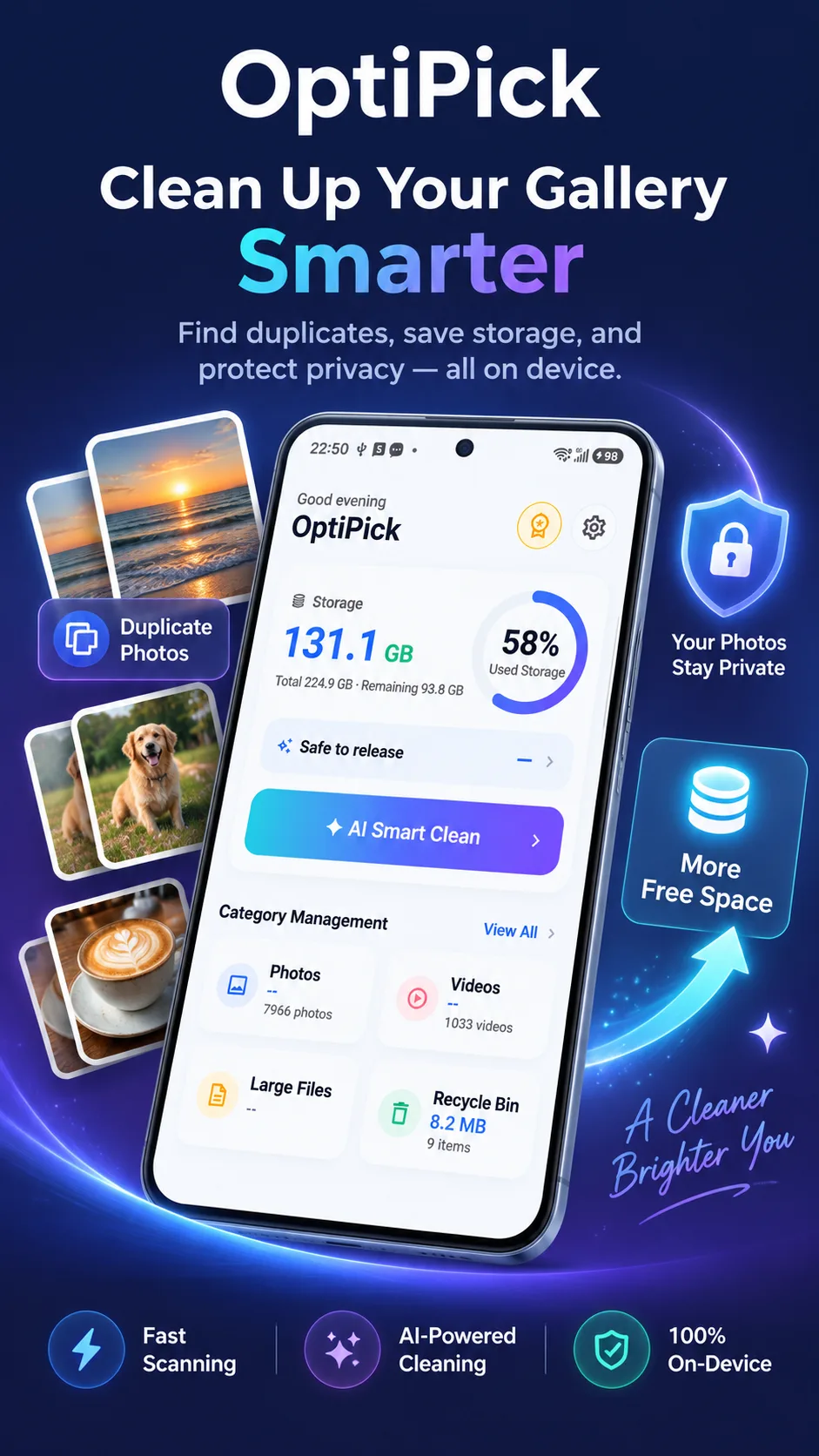
Your photos stay on your phone.
Gallery scanning runs on your device, without uploading your photos. Find what you can clean up while keeping your personal memories on your phone.
- Analyze photos locally
- No gallery uploads for scanning
- Review before choosing what to remove
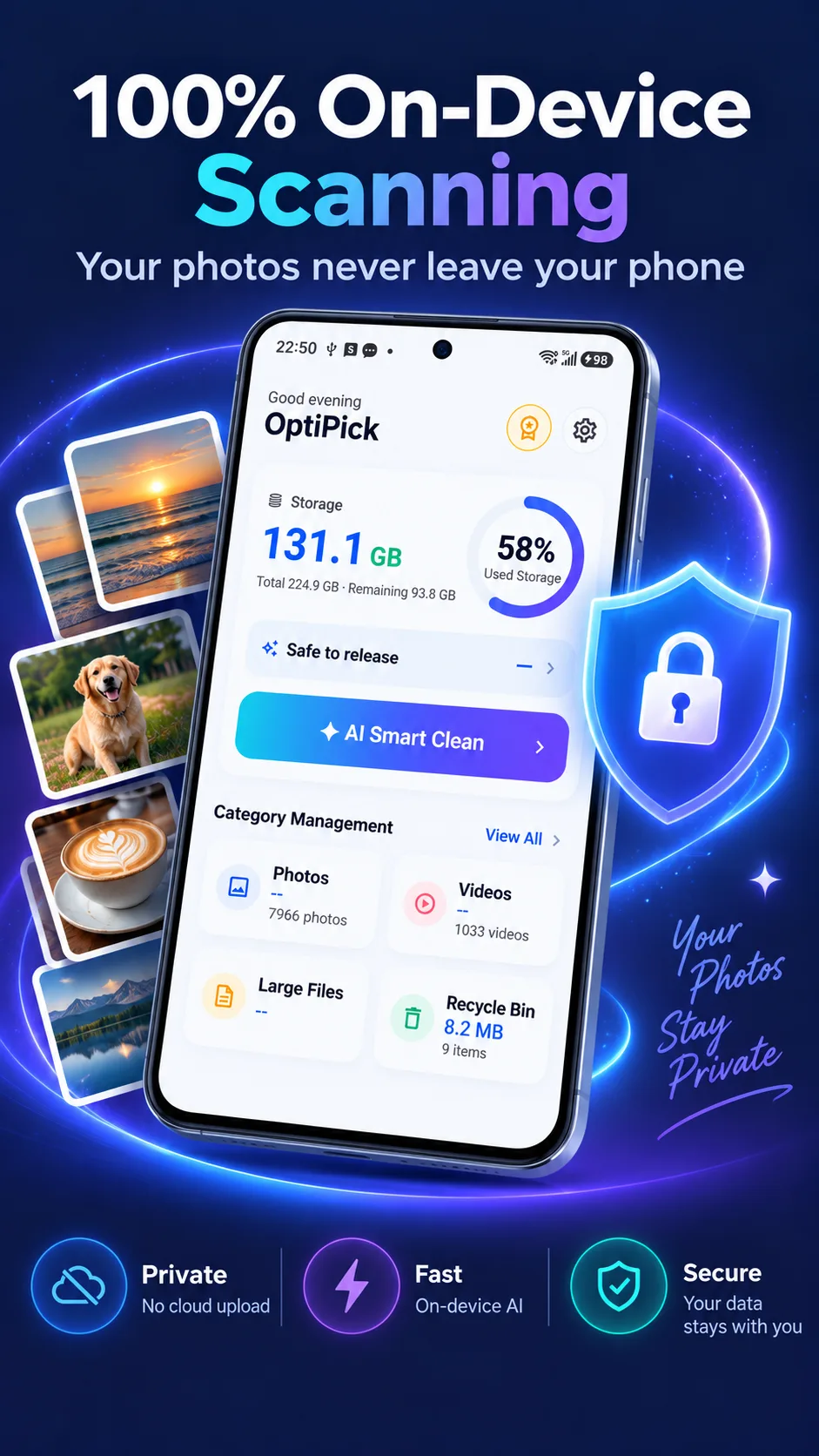
Find the repeats. Keep the memories.
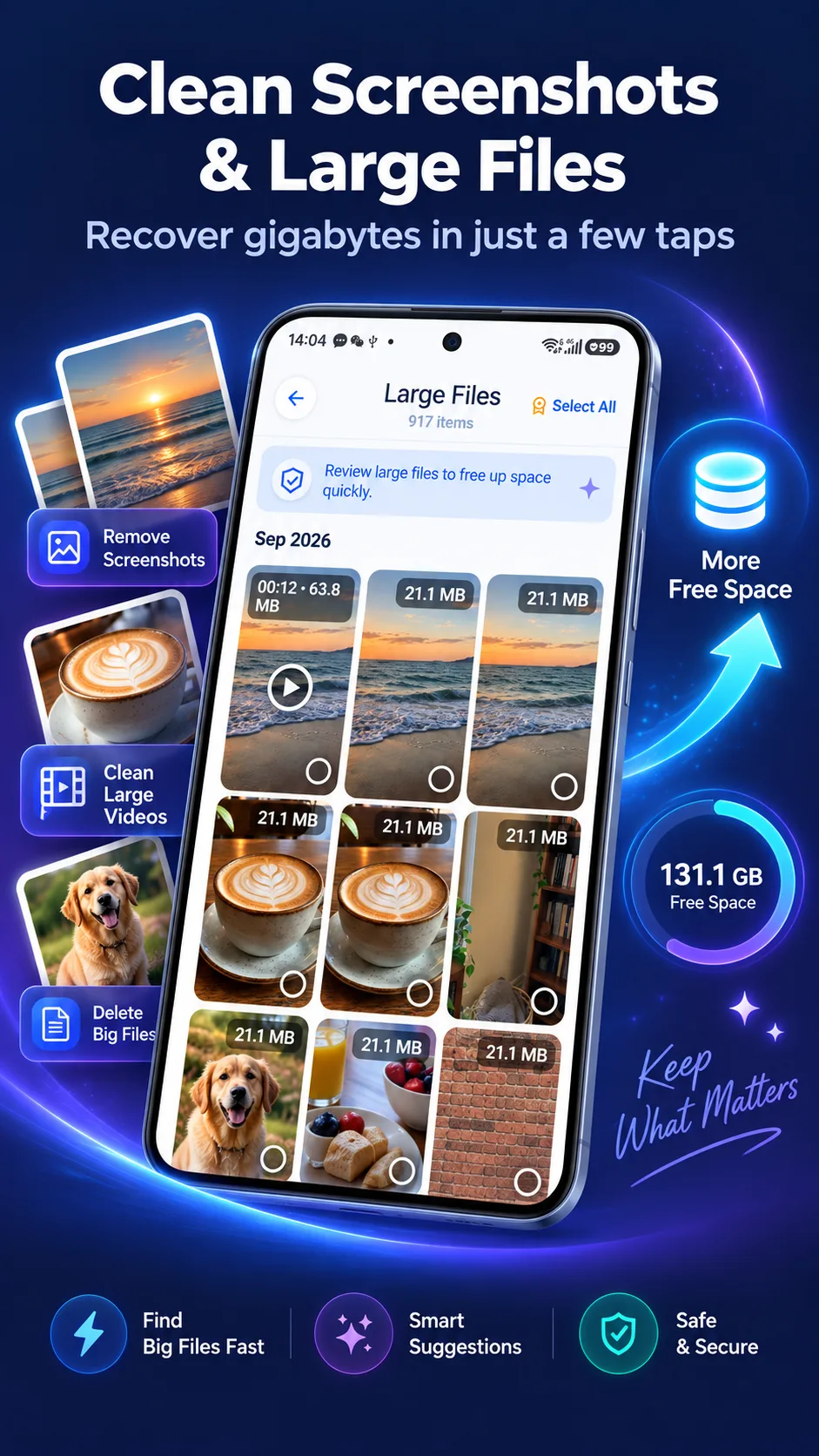
Review duplicate photos and similar bursts in groups, then choose which shots to keep. Bring old screenshots and large files into view so you can decide what is worth the space.
- Separate groups for duplicates and similar shots
- See scan results and storage usage
- Review screenshots and large files together
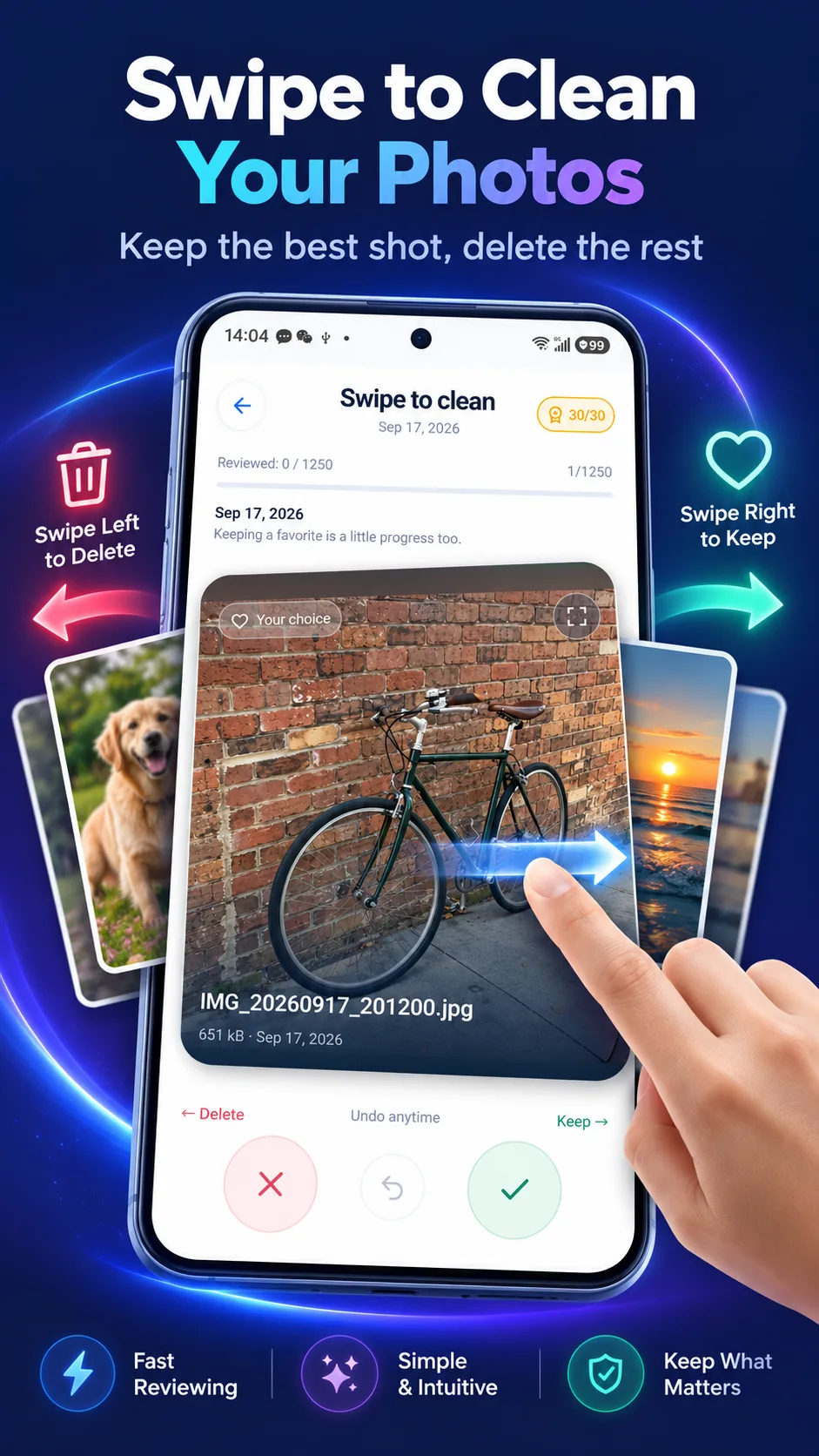
Swipe left to clear. Right to keep.
Focus on one photo at a time and swipe to make your choice. Undo a mistaken swipe and keep working through your gallery at your own pace.
- Swipe left to mark for deletion
- Swipe right to keep a photo
- Undo the previous action
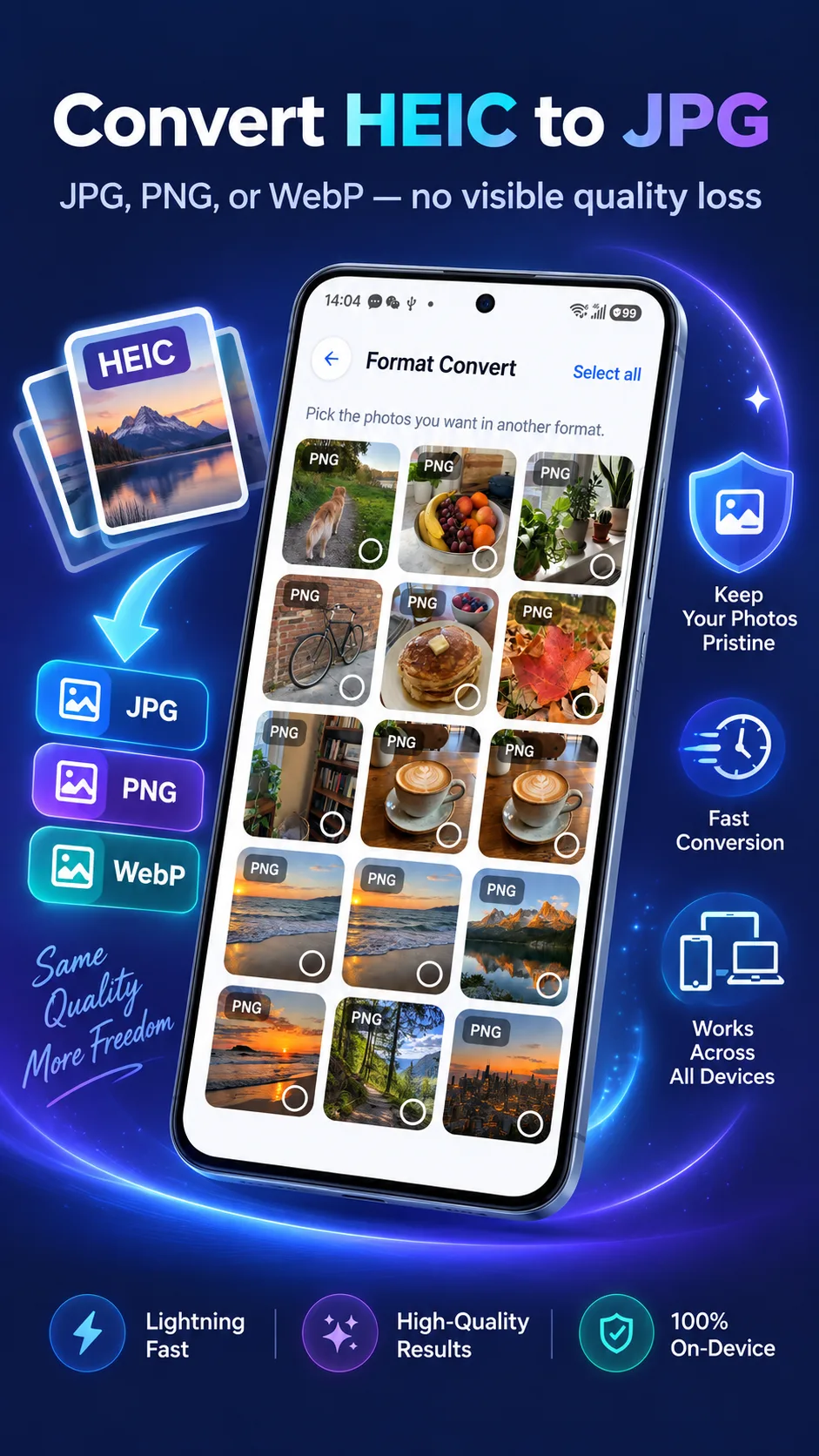
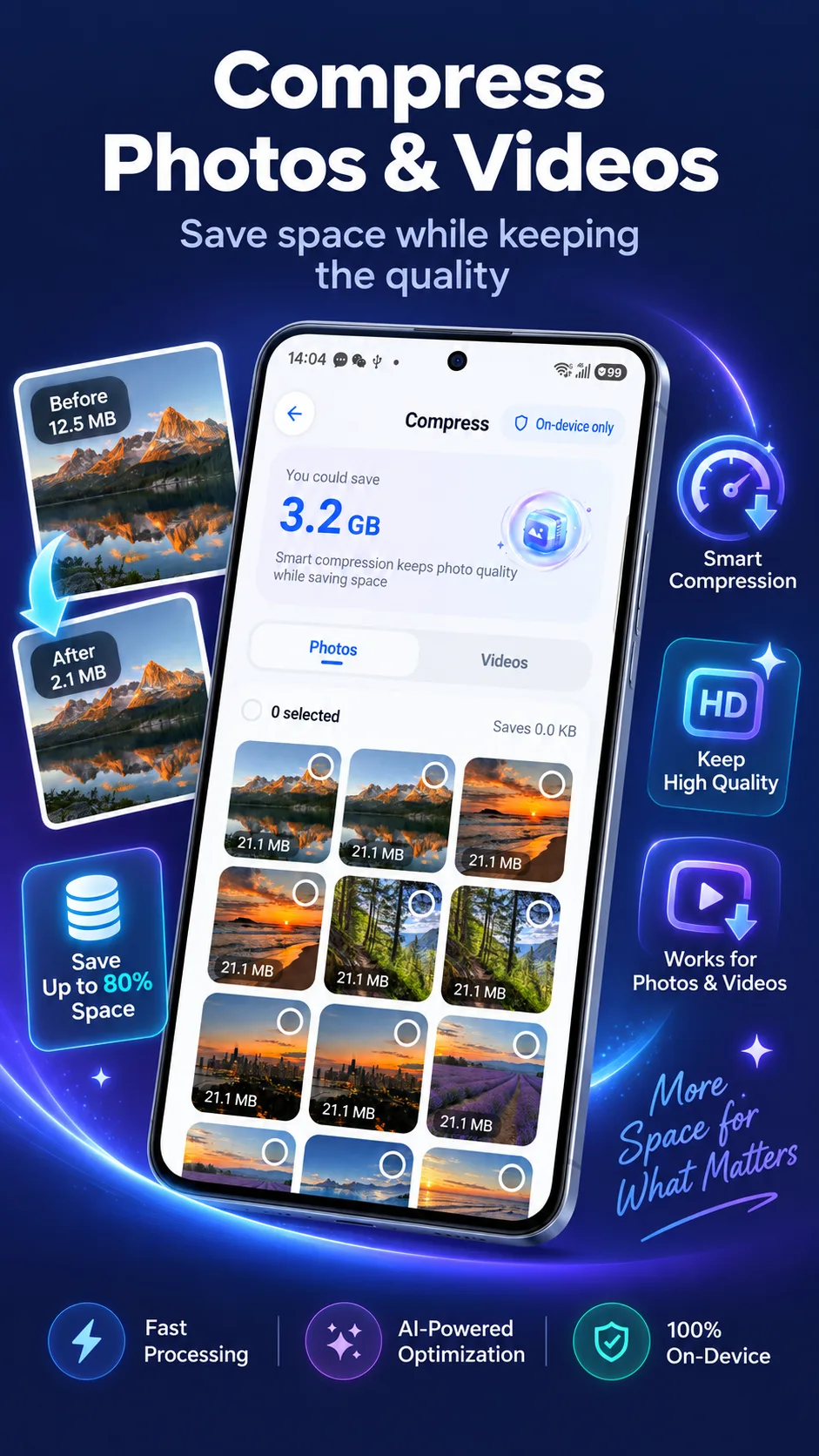
Compress and convert before you share.
Need a smaller file or a more widely supported image format? Compress photos and videos or convert images in the app, choosing an output that fits your next use.
- Photo and video compression
- Work with HEIC, JPG, PNG and WebP
- Process locally and review the result
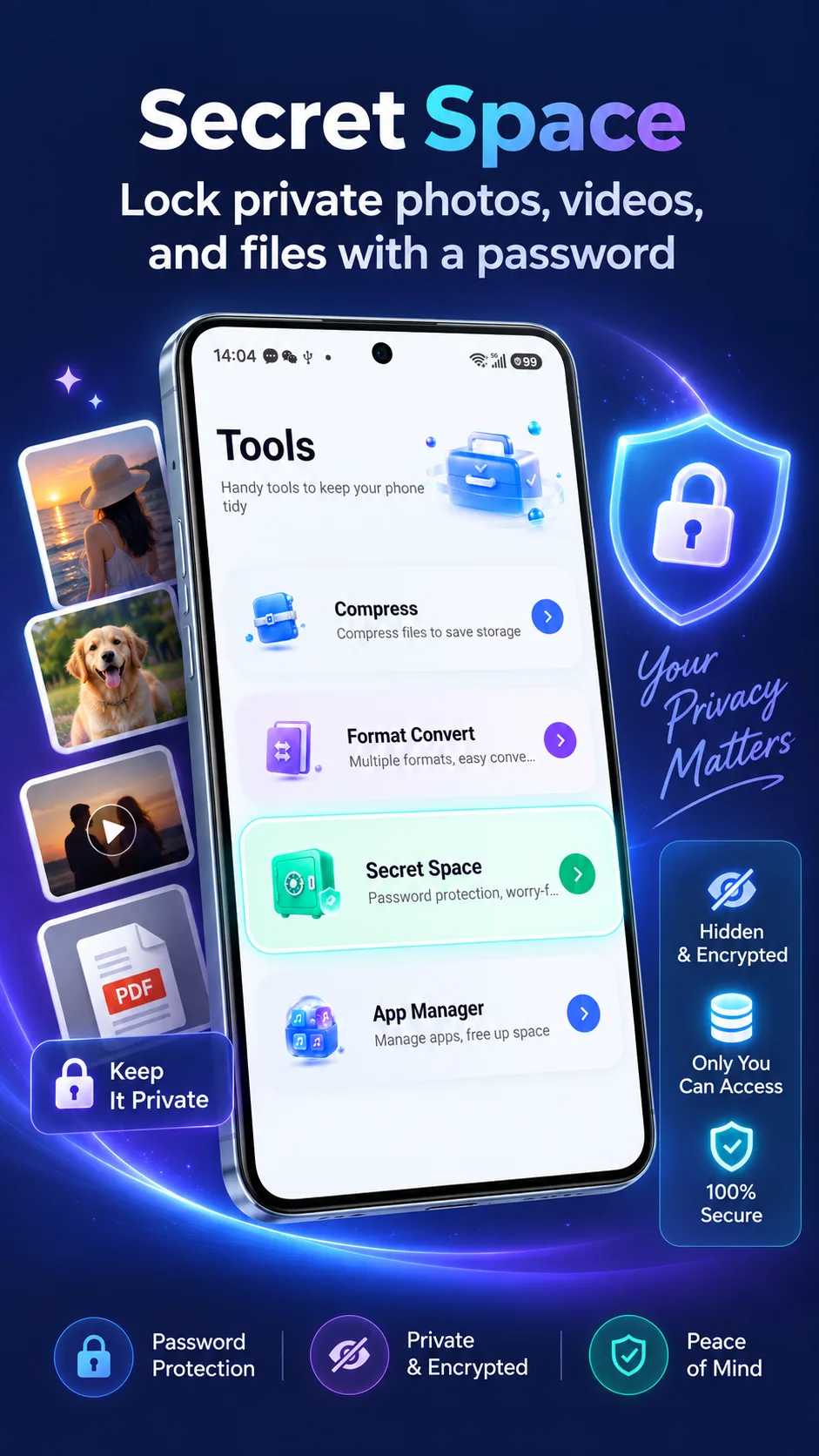
A separate place for private files.
Keep private photos, videos and files in a separate space with password-protected access. Manage personal content apart from your everyday gallery and open it when you need it.
- For photos, videos and files
- Password-protected access
- Manage private content separately
Storage amounts, file counts and compression ratios shown are examples. Actual results depend on your device, gallery and settings.
Make a little more room for life.
See the full feature list, actual screenshots and latest version on Google Play.
Need a hand? Contact app support