
Read Aloud
Text to speech · AndroidYour reading list. Now playing.
Turn articles, PDFs and ebooks into audio. Keep a good read going on your commute or daily walk.
Listed on Google Play as: Read Aloud - Text to Speech
Check the store for pricing, in-app purchases, regional availability and device requirements. Privacy policy
Everyday
Pause.
Turn your reading into listening.
Give Tingwen an article link and turn it into something you can listen to. Continue an unfinished read while commuting, walking or doing chores.
- Start listening from an article link
- Fit reading into everyday moments
- Take your time with longer reads
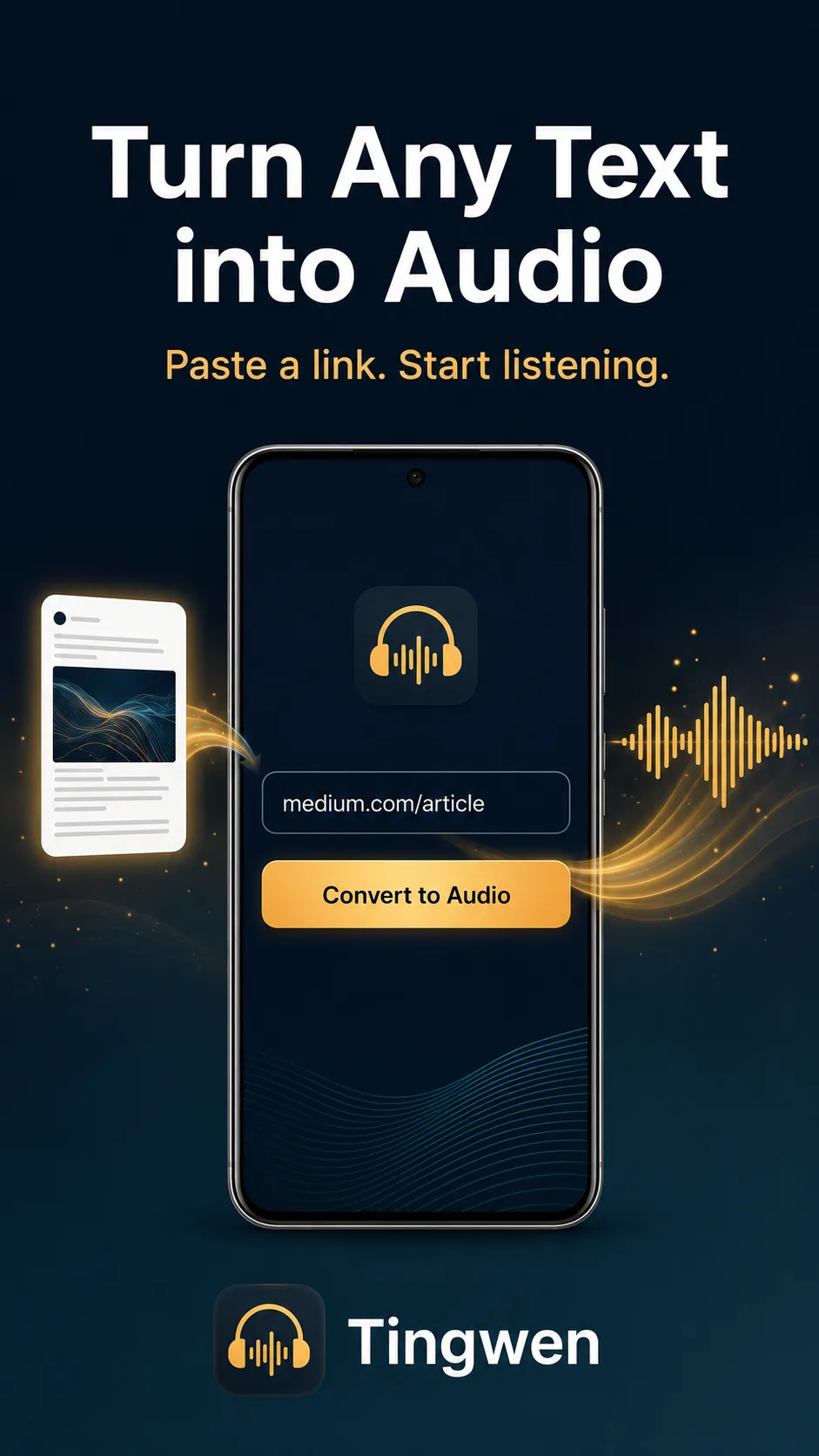
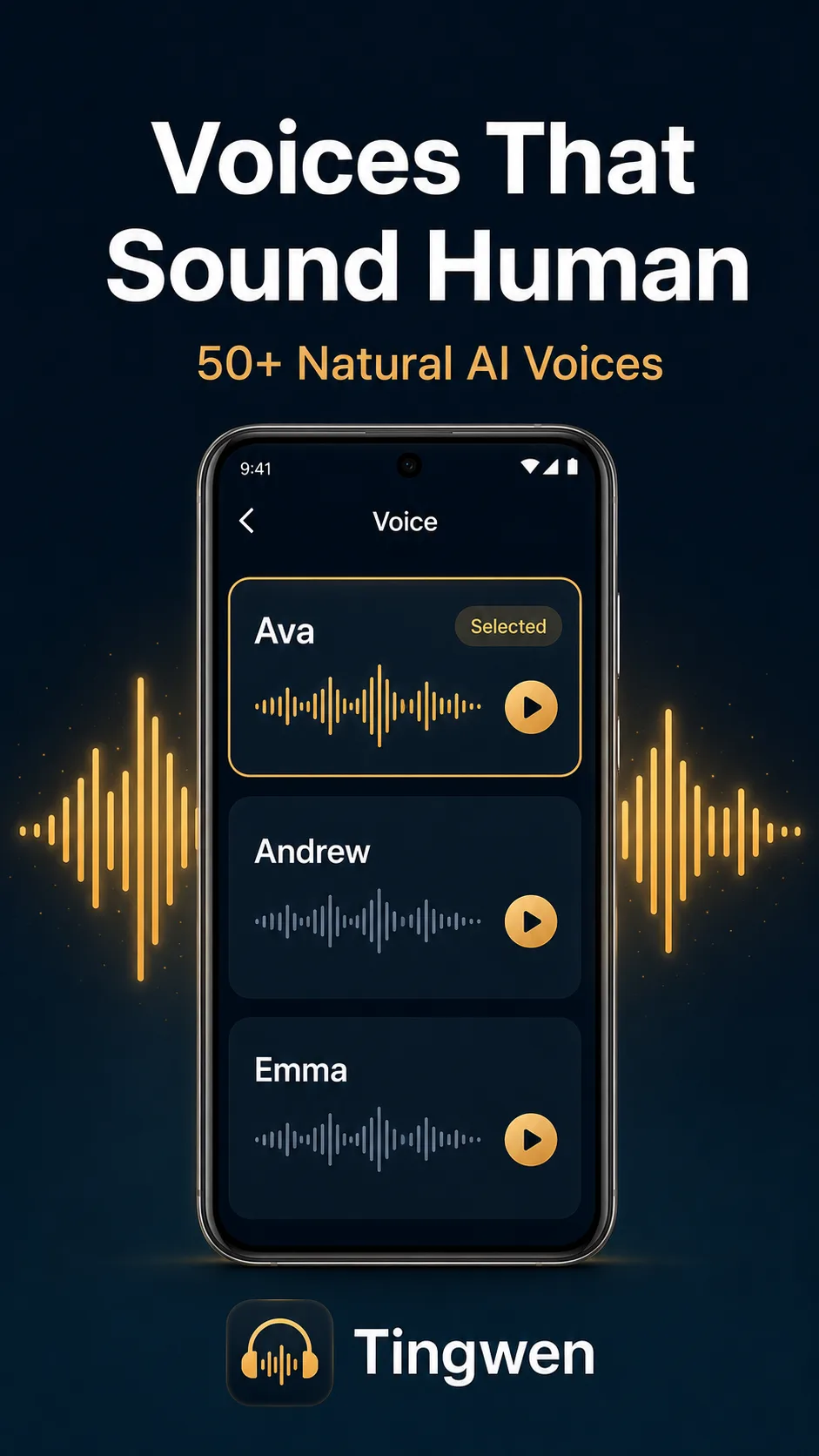
Find a voice you enjoy listening to.
Choose a reading voice that suits the content. Preview the voices and find a delivery you enjoy, so each article is easier to settle into.
- Choose from a range of reading voices
- Preview a voice before choosing
- Switch voices to suit your preference
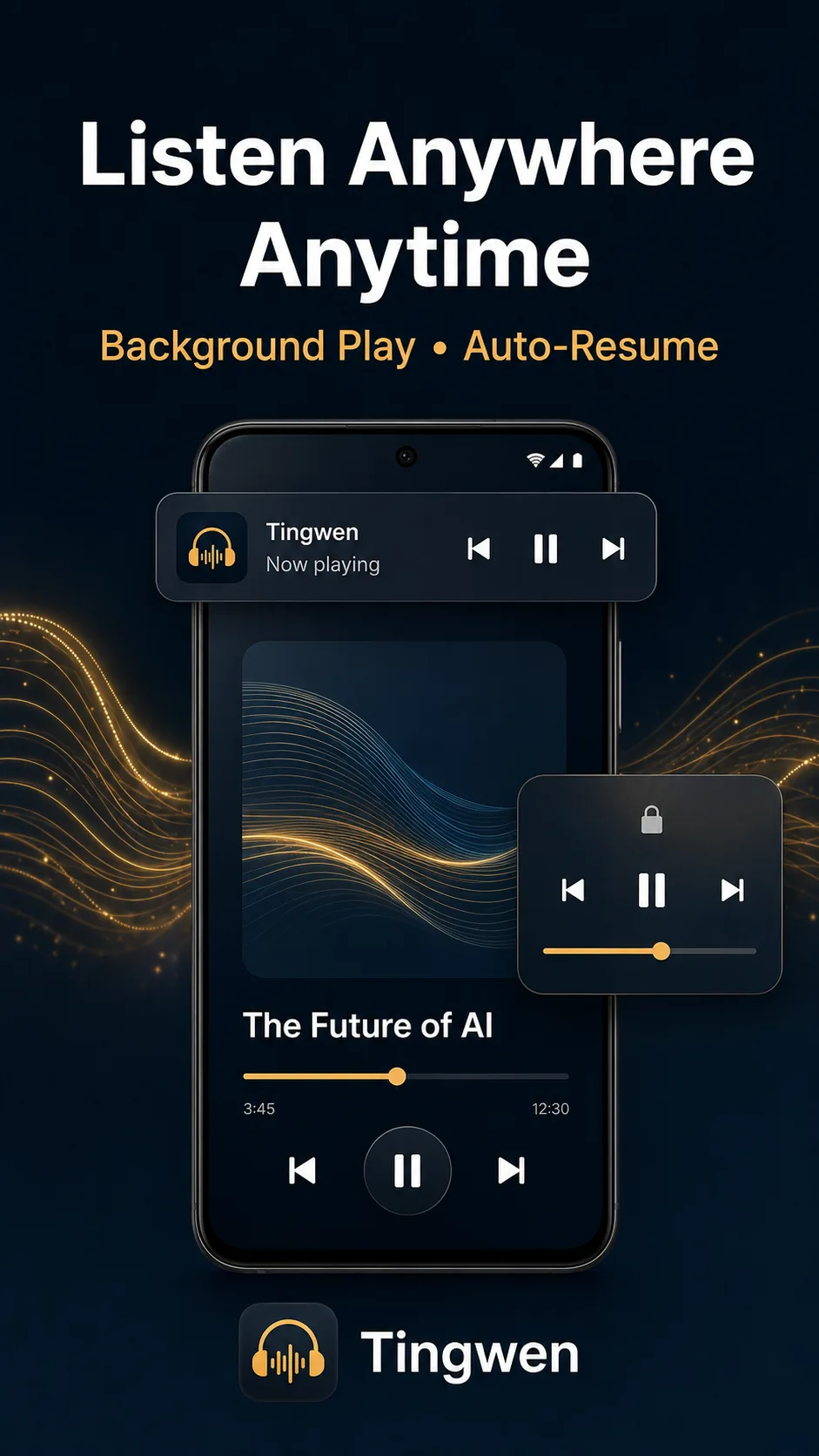
Put your screen away. Keep listening.
Keep an article playing when you switch apps or lock the screen. Pick up where you left off when you return, with more attention for the world around you.
- Listen in the background
- Control playback from the lock screen
- Resume where you left off
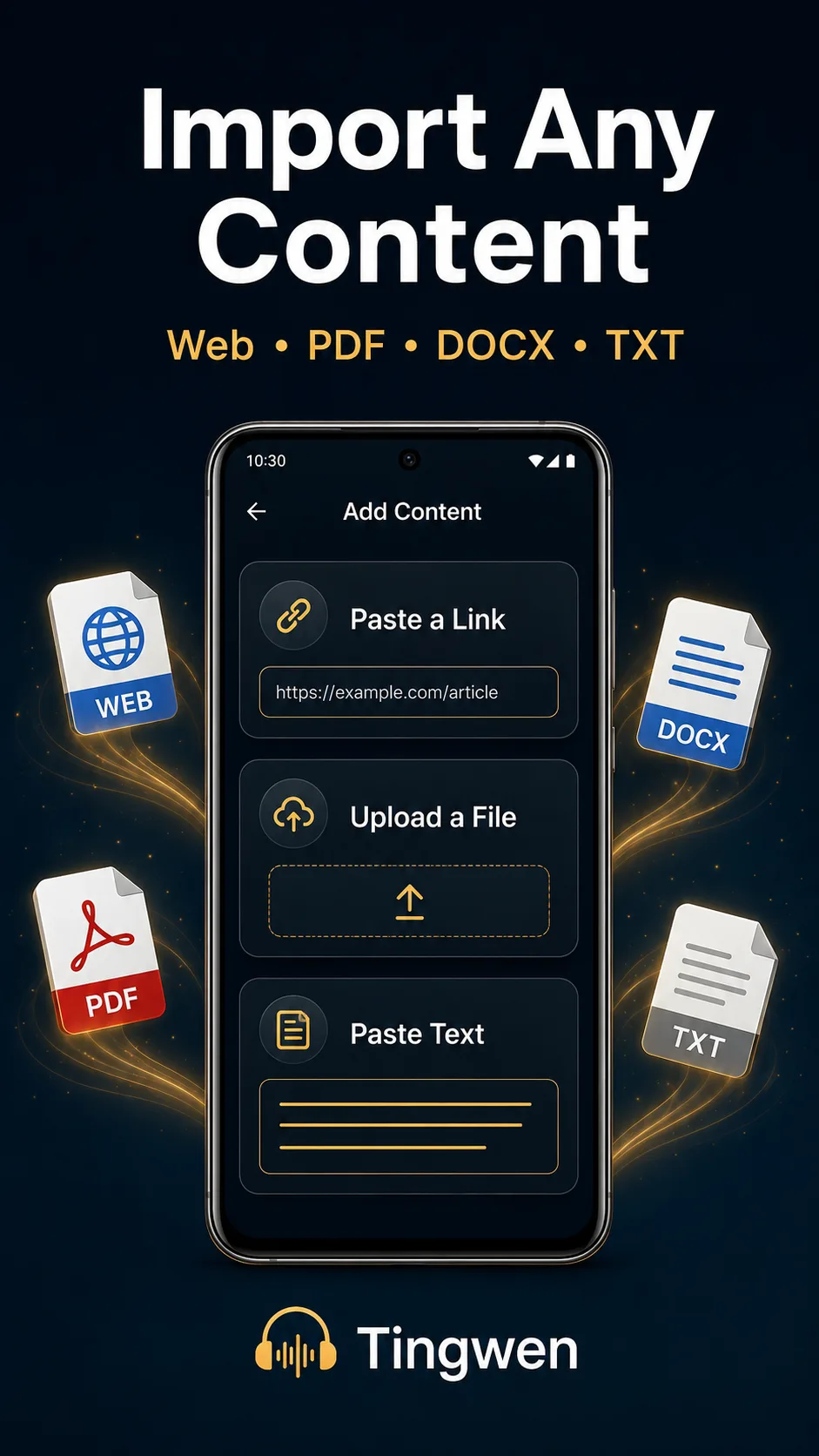
Bring your links, documents and text.
Paste a web link, import a PDF, DOCX or TXT file, or add text directly. Bring reading material from different sources into one listening app.
- Paste web links
- Import PDF, DOCX and TXT files
- Paste text directly
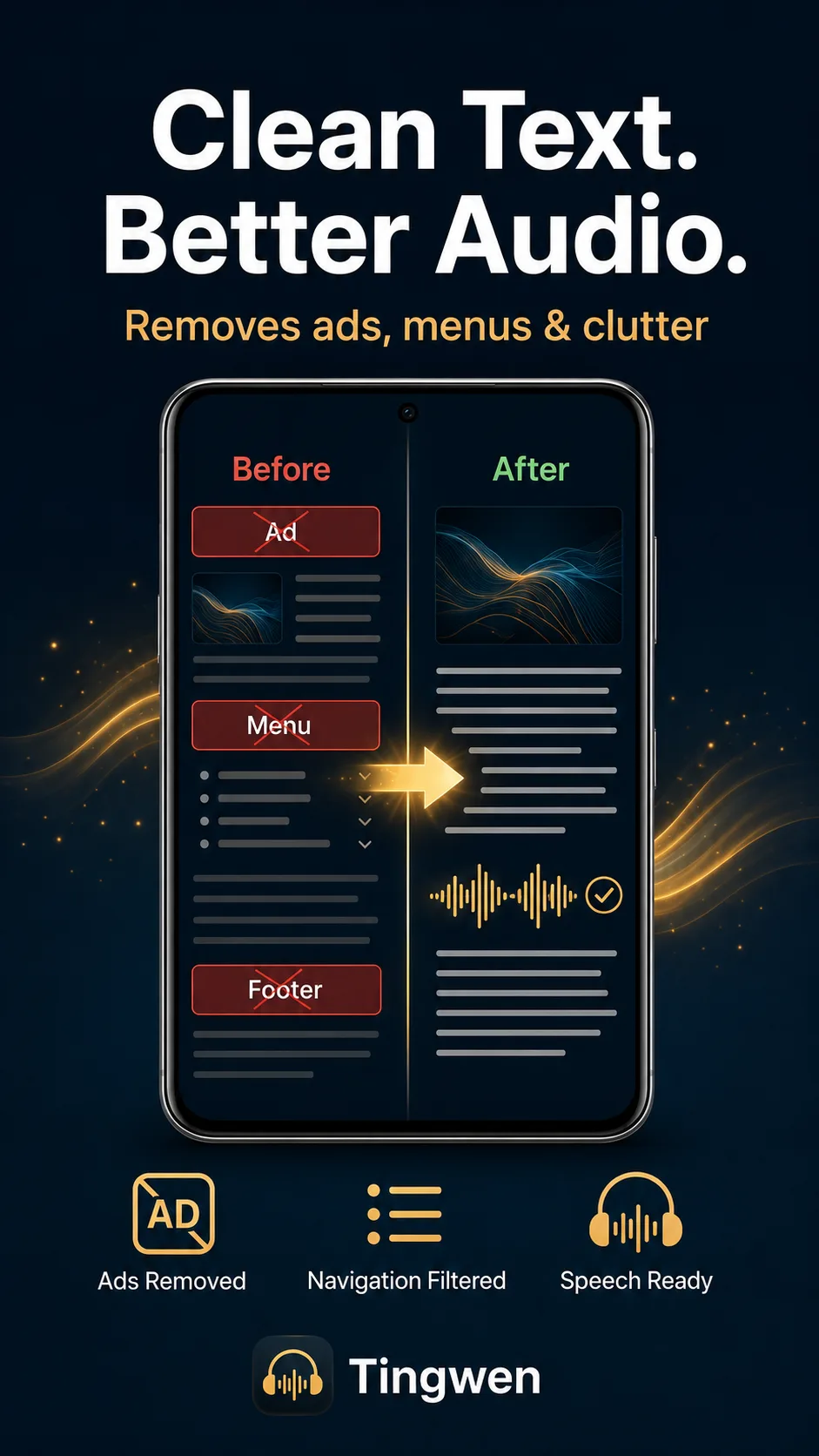
Listen to the article, with less clutter.
Extract the main text from a web page and filter out clutter such as ads and navigation menus, for a reading flow that stays focused on the article.
- Extract the main article text
- Filter out unrelated page content
- Keep the reading flow focused
Start with an article you want to hear.
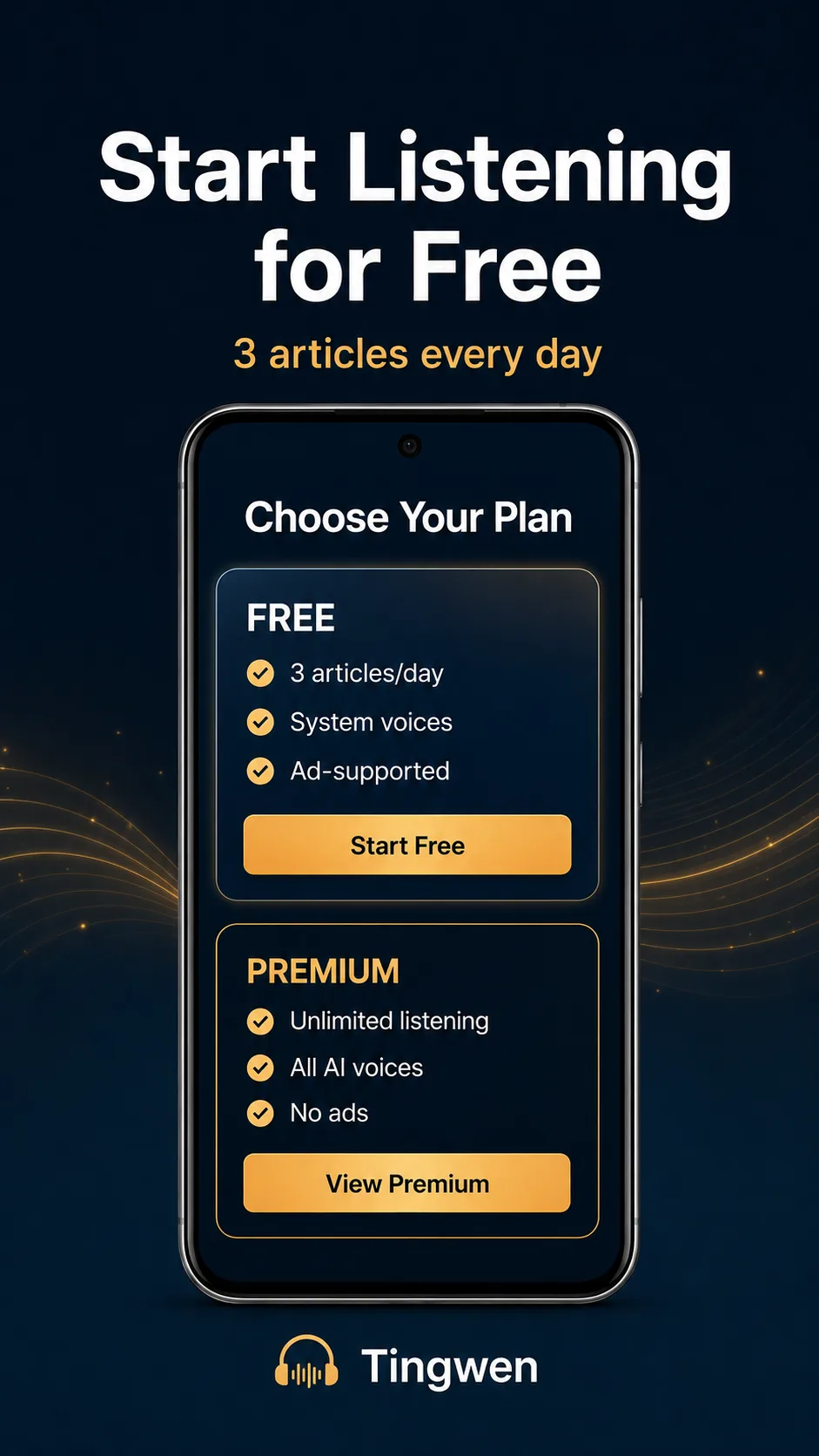
Try text-to-speech with the free plan, then explore the upgrade options as you find your listening routine. Choose an interesting article and start there.
- Get started for free
- Explore upgrade options as needed
- Check the app for current limits and voice access
Make a little more room for life.
See the full feature list, actual screenshots and latest version on Google Play.
Need a hand? Contact app support